
ai ad video generator
AI ad video generator for campaign-ready clip workflows
Plan the hook, generate product or scene clips, review brand details, and assemble a short ad sequence without losing the source assets behind each shot.
This guide is based on ShotSlate’s current ad-friendly workflow for product images, prompts, AI-generated clips, composition sequencing, and export. It does not claim automated media buying, compliance approval, voiceover, avatar, or platform publishing features.
Updated July 28, 2026
External verification
Model facts checked against public sources
These references are used for model context only. ShotSlate product claims on this page are limited to the controls available in the current implementation.
Current product workflow
From ad concept to reviewed clip sequence
An ad video is more than a generated clip. It needs a hook, product focus, proof or benefit, ending frame, and format decisions. ShotSlate helps keep each generated clip tied to the source prompt or product image that created it.
- 01
Define the ad beat
Write the hook, product moment, benefit, visual style, and acceptance criteria before generating clips.
ShotSlate supports text notes and prompt context beside image, video, and composition nodes.
- 02
Generate ad clips
Use text-to-video for concept shots or image-to-video when a product photo or approved frame should anchor the ad.
Current video generation supports text-to-video and image-to-video modes with Seedance model settings.
- 03
Assemble and export
Move the selected hook, product, detail, and ending clips into a composition for review and export.
Composition clips support sequence order, trim points, mute state, preview, and export workflow.
Ad clip checklist
What to plan before generating AI ad video clips
This checklist keeps the ad page focused on campaign usefulness. It avoids pretending that one generation automatically creates a compliant, high-performing ad.
Need product-first ad clips?
If your ad starts from a product photo, use the product video page first.
Open AI product video generatorWorkflow illustrations
Keep each ad shot tied to its source
These illustrations show how ShotSlate keeps ad prompts, product images, generated clips, and composition order together. They demonstrate product behavior, not customer campaign results.
Step 01
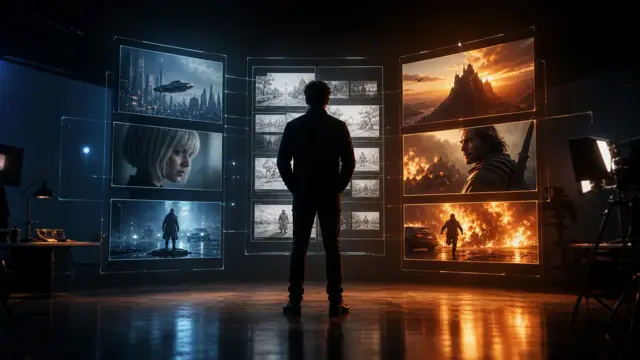
Plan the ad beats
Use text notes and source images to define hook, product, benefit, and ending shots.


Step 02
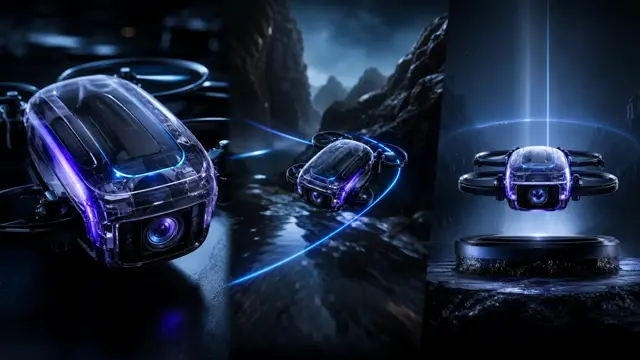
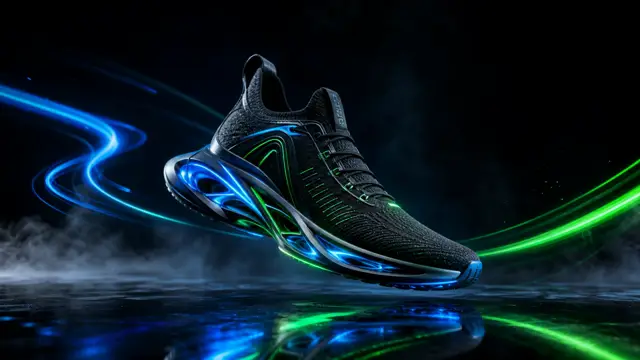
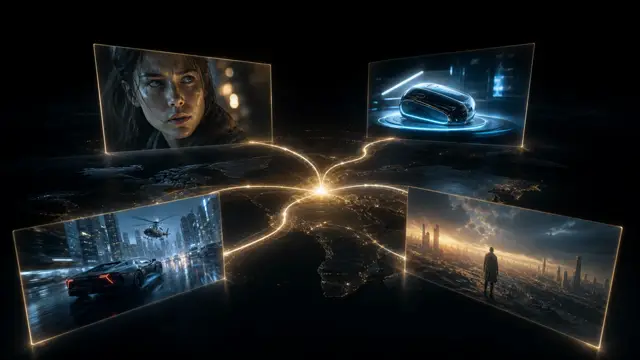
Generate product or scene clips
Use text prompts or product images to create candidate ad shots.

Step 03
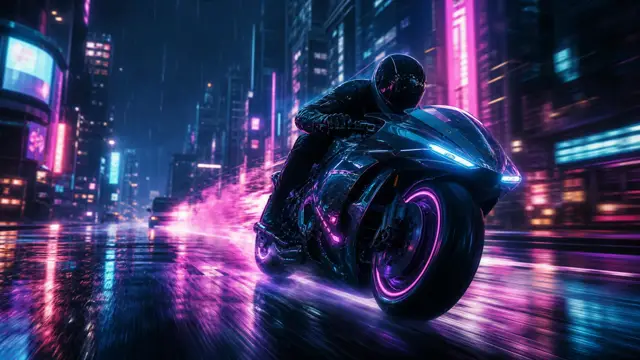
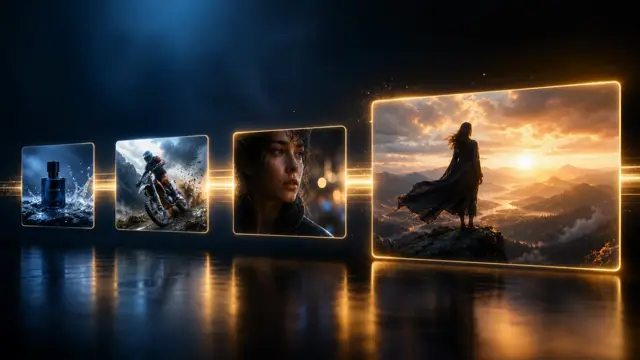
Assemble the campaign sequence
Move approved clips into a composition for trim, order, preview, and export.
Production notes
Ad video controls currently available
These controls reflect what ShotSlate currently supports for generating and assembling short ad clips.
Limits to plan around
Ad video limits to state honestly
Generated ads still need review
Creators should check claims, product details, platform policy, legal requirements, and brand safety before publishing.
ShotSlate does not buy media or publish ads
The product focuses on generating and assembling creative assets, not campaign management or ad platform delivery.
No avatar or voiceover promise
This page should not imply AI presenters, lip sync, narration, or UGC workflows that the current product does not expose.
Common questions
AI ad video generator FAQ
Answers reflect the current ShotSlate workflow for AI-generated ad clips and composition.
ShotSlate Product Team
Reviewed against public AI ad video product examples and the current ShotSlate implementation for product images, prompt-based generation, image-to-video, text-to-video, composition sequencing, trim, preview, and export workflow.
Build ad clips without losing the source assets
Plan the hook, generate the visuals, review product details, and assemble the final ad sequence.