
ai filmmaking software
AI filmmaking software for directors who think in shots
Use ShotSlate to turn scene ideas into frames, frames into clips, and clips into a sequence while keeping prompts, references, and edit decisions visible.
This guide is based on ShotSlate’s current shot-based workflow for story notes, generated frames, first-frame animation, video clips, and composition sequencing. It does not claim to replace writing, directing, editing, sound, or production judgment.
Updated July 28, 2026
External verification
Model facts checked against public sources
These references are used for model context only. ShotSlate product claims on this page are limited to the controls available in the current implementation.
Current product workflow
From scene idea to shot sequence
Filmmaking is organized around shots, not isolated generations. ShotSlate’s page for this keyword should help creators plan a sequence, approve frames, generate motion, and assemble the order.
- 01
Break the scene into shots
Use text notes and generated frames to define each beat before producing video clips.
ShotSlate supports project text nodes and image nodes that can be arranged as a visual shot plan.
- 02
Generate cinematic candidates
Create still frames with GPT Image 2 or motion clips with Seedance, then compare them against the scene goal.
Current providers support GPT Image 2 image generation and Seedance video generation with prompt, duration, ratio, and resolution settings.
- 03
Assemble the sequence
Move approved clips into a composition so the film can be judged as a sequence instead of a gallery of outputs.
ShotSlate composition clips support order, trim, mute, preview, and export workflow.
Cinematic shot package
What to define before generating a film shot
A cinematic AI workflow becomes more useful when each generation has a clear scene role. This checklist focuses the page on filmmaking intent, not generic video generation.
Need a storyboard-first workflow?
If your scene starts with a board, use the storyboard-to-video page first.
Open storyboard to video AIWorkflow illustrations
Build films as connected shots
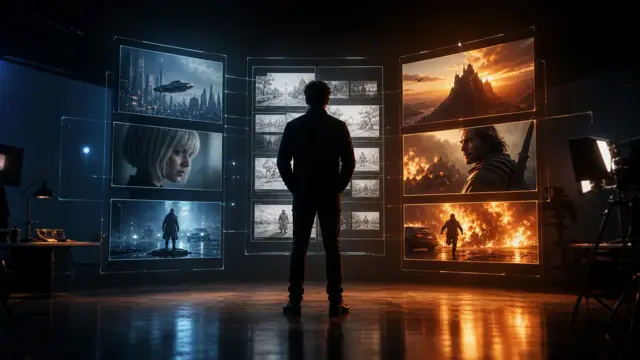
These illustrations show ShotSlate’s shot-based workflow: scene notes, frames, clips, and composition order stay connected. They demonstrate product behavior, not customer films.
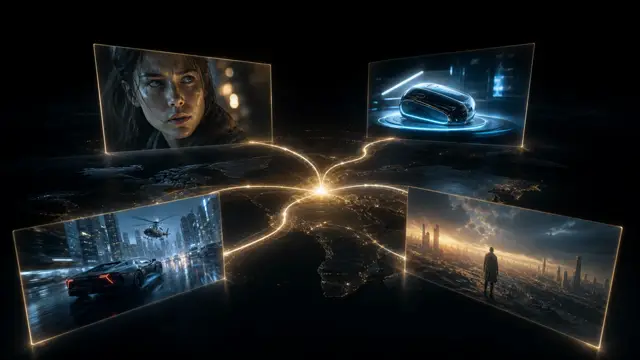
Step 01
Plan the sequence visually
Arrange notes and frames as a shot plan before committing to video generation.

Step 02
Animate approved frames
Use source frames to control the opening composition of each generated clip.

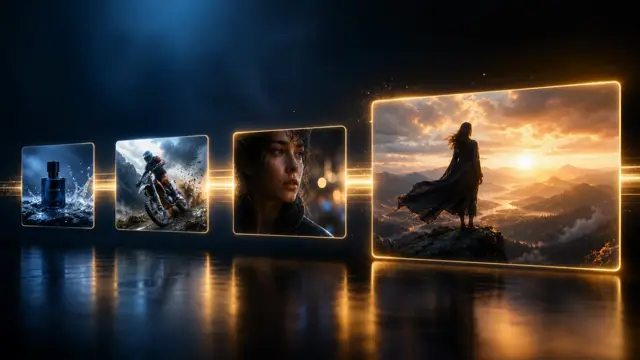
Step 03
Judge the edit as a sequence
Move selected shots into a composition so pacing and order can be reviewed.

Production notes
Filmmaking controls currently available
These controls are the current ShotSlate capabilities relevant to shot-based filmmaking.
Limits to plan around
What AI filmmaking software should not claim
It does not replace creative direction
The creator still decides story, framing, pacing, continuity, and which generated shots belong in the film.
Continuity is not automatic
Generated characters, props, environments, and lighting may drift between shots and need manual review.
It is not a full film post-production suite
ShotSlate focuses on AI shot planning, generation, and composition workflow, not every color, audio, VFX, and finishing tool.
Common questions
AI filmmaking software FAQ
Answers reflect the current ShotSlate workflow for shot-based AI filmmaking.
ShotSlate Product Team
Reviewed against public AI filmmaking market examples and the current ShotSlate implementation for text notes, image generation, first-frame animation, video generation, and composition workflow.
Plan the shot before generating the clip
Turn scene ideas into frames, frames into clips, and clips into a connected sequence.