
ai video production software
AI video production software for the whole shot pipeline
ShotSlate keeps briefs, generated frames, video clips, references, settings, and composition decisions together so AI outputs stay usable in a real production workflow.
This guide is based on ShotSlate’s current production workflow: text notes, image generation, uploaded assets, Seedance video generation, composition preview, trim, sequence, mute, and export controls that are available today.
Updated July 28, 2026
External verification
Model facts checked against public sources
These references are used for model context only. ShotSlate product claims on this page are limited to the controls available in the current implementation.
Current product workflow
One production path from brief to export
The production problem is not just generating media. It is keeping each output attached to the intent, assets, settings, review decisions, and final sequence. ShotSlate’s value is the connected workflow around the models.
- 01
Plan the shot system
Create text notes, source images, uploaded assets, and frame briefs before spending generation credits.
ShotSlate supports text, image, upload, video, and composition nodes on the project canvas.
- 02
Generate media in context
Use GPT Image 2 for still frames and Seedance for text-to-video or image-to-video clips while settings remain visible.
Current generation providers expose GPT Image 2 image generation and Seedance video generation in the studio workflow.
- 03
Assemble the approved cut
Move selected clips into a composition, reorder them, trim timing, mute clips when needed, preview, and export.
Composition clips retain source node IDs, trim points, order, mute state, and export metadata.
Production workflow map
What an AI video production page should help users organize
A real production workflow has multiple decisions before and after generation. This checklist keeps the page useful instead of being a thin model demo.
Need a single workflow first?
Start with the image-to-video page if your production begins from a source image.
Open image to video AIWorkflow illustrations
Production context is the product
These illustrations show the full ShotSlate canvas pattern: plan, generate, connect, review, sequence, and export. They demonstrate product behavior, not customer case studies.
Step 01
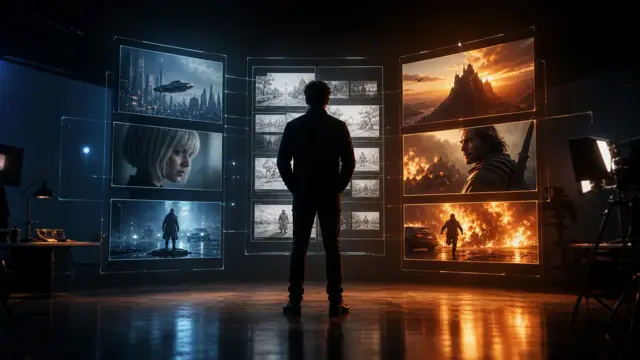
Plan media before generating
Put briefs, images, references, and notes on the canvas before creating clips.


Step 02
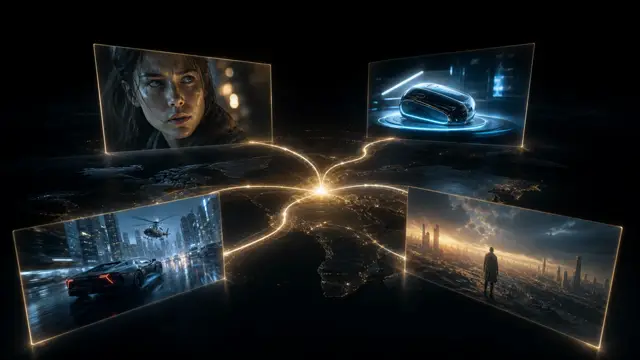
Trace outputs back to inputs
Keep every generated image and video tied to the prompt and source assets that shaped it.

Step 03
Build the final sequence
Turn approved outputs into an ordered composition with trim and export controls.


Production notes
Production controls currently available
These controls reflect the current ShotSlate implementation across generation and composition.
Limits to plan around
What AI video production software should not overpromise
Generation is not the same as production
AI models create candidate media. A production workflow still needs planning, review, sequencing, and export decisions.
Shot continuity needs review
Characters, products, lighting, and props can drift between generated outputs and should be checked manually.
Some expected video-editor features are outside scope
ShotSlate focuses on AI generation plus composition workflow. It should not be positioned as a full traditional NLE replacement.
Common questions
AI video production software FAQ
Answers reflect the current ShotSlate workflow for connected AI video production.
ShotSlate Product Team
Reviewed against current commercial AI video software examples and the ShotSlate implementation for canvas nodes, image generation, video generation, composition clips, trim, mute, preview, and export workflow.
Run the whole AI video workflow in one project
Plan the frame, generate the media, approve the clip, and assemble the cut without losing source context.