
text to video ai generator
Text to video AI generator for one-shot motion ideas
Write a focused shot prompt, choose duration, aspect ratio, and resolution, generate a Seedance clip, then review the result before adding it to your edit.
This guide is based on ShotSlate’s current text-to-video workflow. It covers prompt-only video generation, Seedance model settings, duration, aspect ratio, resolution, review, and composition handoff that are available in the product today.
Updated July 28, 2026
External verification
Model facts checked against public sources
These references are used for model context only. ShotSlate product claims on this page are limited to the controls available in the current implementation.
Current product workflow
From written shot idea to reviewed video clip
Text-to-video is useful when the idea exists before the visual source frame. ShotSlate keeps the prompt and generation settings attached to the output so the clip can be revised, compared, or moved into a composition without losing context.
- 01
Write one shot, not a whole film
Describe the subject, action, setting, camera movement, mood, and constraints for a single clip.
Current video generation accepts a prompt up to 5,000 characters and supports text-to-video mode without a first-frame image.
- 02
Choose clip settings
Select the Seedance model, duration, aspect ratio, and available resolution before spending credits.
ShotSlate exposes 4–15 second clips, six video aspect ratios, and plan-based 480p to 4K resolution options.
- 03
Review before sequencing
Treat generated clips as draft shots. Keep only outputs that match the prompt and belong in the composition.
Generated video nodes stay connected to prompts, settings, result URLs, and downstream composition clips.
Prompt-to-video checklist
What to include in a text-to-video prompt
The best text-to-video prompts give production direction without asking the model to solve an entire edit. One clear motion beat is easier to review than a broad scene request.
Need stronger visual control?
If the opening composition matters, generate or upload a first frame and use image-to-video instead.
Open image to video AIWorkflow illustrations
Keep prompt, clip, and edit decision together
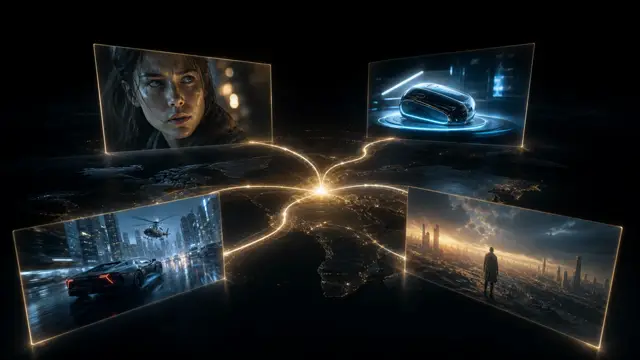
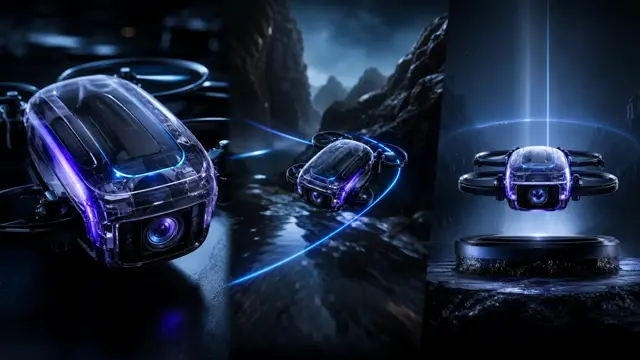
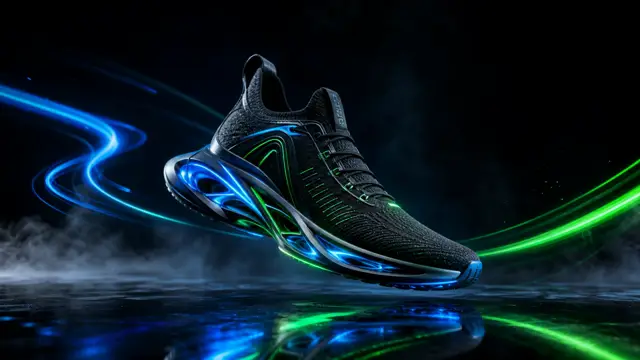
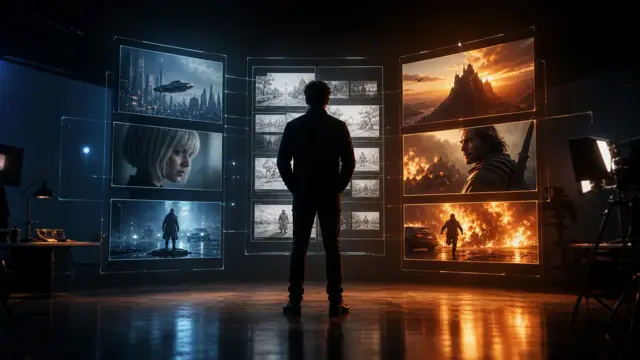
These illustrations show how ShotSlate keeps text prompts, generation settings, generated clips, and composition choices connected. They demonstrate product behavior, not customer case studies.
Step 01
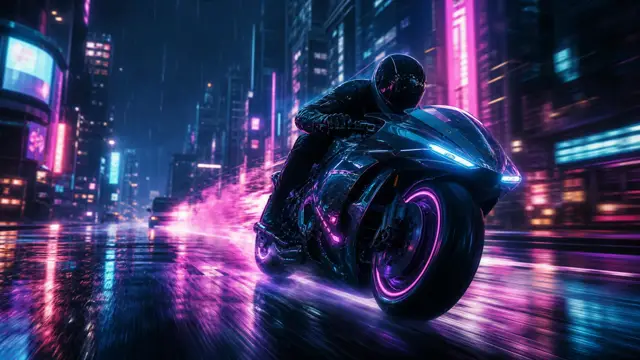
Start with a shot prompt
Write the clip direction beside the video node instead of burying it in a disconnected export folder.

Step 02
Compare settings and result
Review the generated clip against the prompt, model, duration, ratio, and resolution that produced it.

Step 03
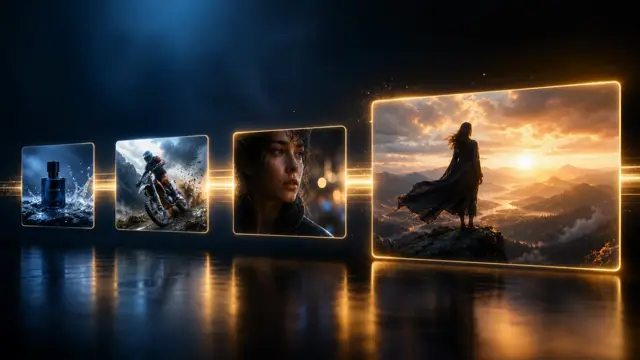
Sequence approved clips
Move only selected prompt-to-video outputs into a composition timeline.

Production notes
Text-to-video controls currently available
These controls reflect the current ShotSlate implementation and plan gates.
Limits to plan around
Where text-to-video needs human judgment
Text does not lock visual identity
Without a source frame, the model may invent product details, character appearance, object layout, or text.
One prompt is not a final edit
ShotSlate generates clips, but creators still choose which outputs belong in the final sequence.
Higher resolution depends on model and plan
Seedance 2 Fast and full Seedance 2.0 expose different resolution options depending on the selected plan.
Common questions
Text to video AI generator FAQ
Answers reflect the current ShotSlate implementation for prompt-to-video generation.
ShotSlate Product Team
Reviewed against public text-to-video product examples and the current ShotSlate implementation for text-to-video mode, prompt validation, Seedance model selection, duration, aspect ratio, resolution, and composition handoff.
Turn one prompt into a traceable clip
Write the shot, generate the clip, review the output, and keep every decision attached to the final edit path.